

Most “best app builder software” roundups rank tools by how many logos fit on a features page. That’s a bad way to pick one. A WordPress publisher, a WooCommerce store, a Shopify brand, and a founder building an app from a blank canvas aren’t shopping for the same thing — and a tool that’s brilliant for one of them can quietly waste weeks for another.
We tested eight of the most-searched options against one question: can this tool actually turn what you already have into an app people open twice — not just a demo screen that photographs well.
Quick answer: if you run a WordPress site and want a real, exportable native app without giving up source-code ownership, ZenAppBuilder is the strongest fit on this list. If your site is a hosted DIY platform user, a Shopify store, or you’re building something with no existing website at all, a different tool below will serve you better — the comparison table makes that call in about ten seconds.
Best App Builder Software at a Glance
|
Tool |
Best for |
Starting price |
Platform |
|
ZenAppBuilder |
Turning a WordPress/WooCommerce site into a real native app you own |
No recurring SaaS fee (self-hosted plugin) |
WordPress |
|
AppMySite |
Hosted DIY app builder with broad platform coverage |
$69/month |
WordPress, WooCommerce (separate product), general |
|
MobiLoud |
Converting an existing website into an app without rebuilding it |
$399/month |
Any website (native wrapper) |
|
AppBrew |
Shopify stores that want built-in conversion and loyalty tools |
$199/month |
Shopify only |
|
Adalo |
Building a new app from scratch with white-label output |
Free; $36/month paid |
No existing site required |
|
Bubble |
Building a custom, logic-heavy web app |
Free; usage-based paid tiers |
Web app (not mobile-first) |
|
Glide |
Turning a spreadsheet or database into a simple app fast |
Free; $25/month paid |
Internal/data-driven apps |
|
Thunkable |
Testing an idea for free before spending anything |
Free; $18–19/month paid |
No existing site required |
Prices and tiers change — the pricing quoted for each tool below links to that vendor’s own current page, because a screenshot from six months ago is not evidence.
How We Tested These App Builders
“Best” is only useful if it’s measured against something. Every tool on this list was run through the same five checks — not just its own features page:
A tool that reads well on a features page but fails #2 on a real device doesn’t earn a top spot here, no matter how long its integrations list is.
Quick Decision: Which App Builder Should You Use?
If you don’t want to read all eight reviews, this shortcuts straight to the tool that fits your situation:
Still unsure which bucket you’re in? The “How to Choose the Best App Builder Software for Your Site” section further down walks through the three questions that eliminate most of the list on their own.
1. ZenAppBuilder — Best Overall App Builder Software for a WordPress Site
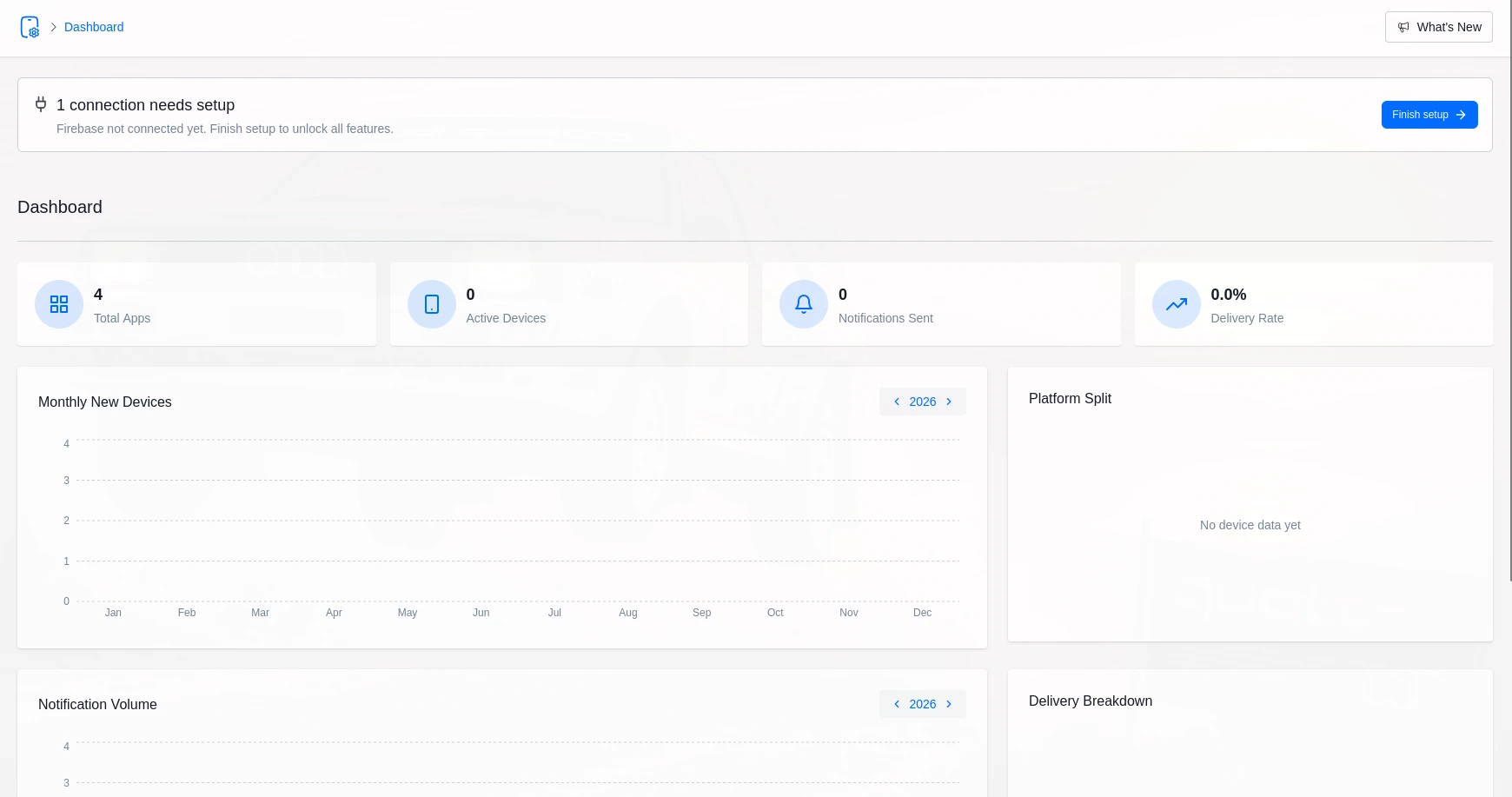
ZenAppBuilder helps WordPress and WooCommerce businesses turn their existing websites into real mobile apps. Instead of rebuilding the entire platform, it works with the existing WordPress backend, allowing businesses to manage products, orders, customers, and content from one place. As a self-hosted solution, it gives users greater ownership and control without requiring a recurring SaaS subscription. It is especially suitable for businesses that already use WordPress or WooCommerce and want a branded mobile app without maintaining a separate backend.
Pros
Cons
Pricing: Self-hosted WordPress plugin — no recurring SaaS platform fee. Developer accounts, device testing, and build infrastructure still apply, same as with any route pricing.
Best for: WordPress publishers, WooCommerce stores, and Academy LMS or ZenCommunity sites that want a real native app and real source-code ownership, not a rented preview. For a breakdown of which scenario fits which architecture, see the WordPress mobile app use cases guide.
2. AppMySite — Best Hosted DIY App Builder
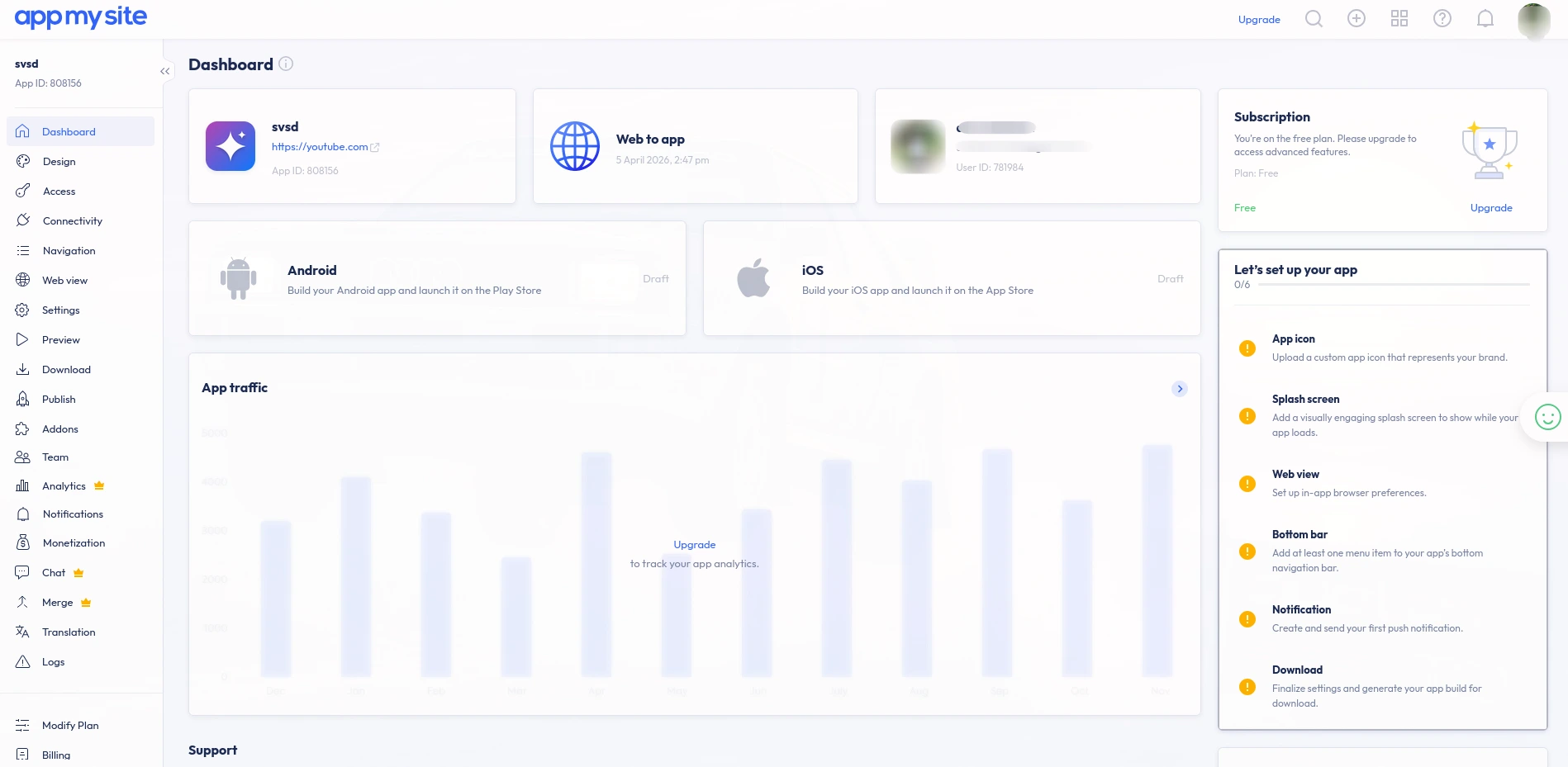
AppMySite is a hosted DIY app builder that helps businesses convert websites and ecommerce stores into mobile applications. It supports platforms such as WordPress and WooCommerce and provides visual tools for customising app layouts, branding, navigation, and functionality. Because it is cloud-based, users do not need to manage the underlying infrastructure. AppMySite is a good option for businesses that want to launch an app quickly with minimal technical work and are comfortable with an ongoing subscription model.
Pros
Cons
Best for: teams that want a hosted, cloud-based DIY workflow and are comfortable with an ongoing platform subscription.
3. MobiLoud — Best for Keeping Your Existing Website As-Is
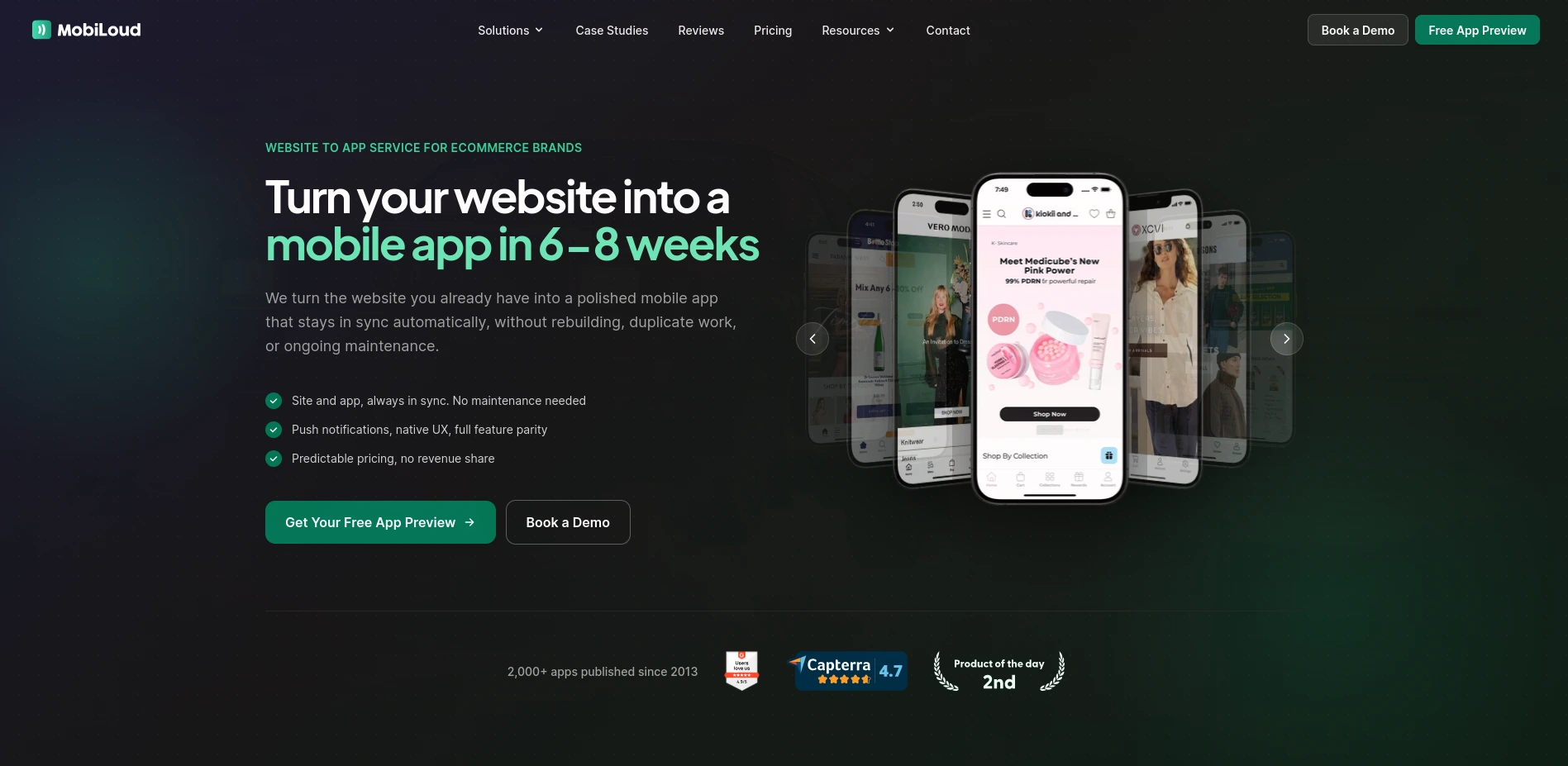
MobiLoud specialises in converting existing websites into mobile applications without requiring businesses to rebuild their websites from scratch. It provides a managed solution that uses an existing website as the foundation for the mobile experience. This makes it suitable for publishers, ecommerce businesses, content platforms, and other organisations with established websites. MobiLoud focuses on convenience and managed infrastructure, making it useful for companies that want to launch an app while minimising development and maintenance work. Its higher pricing makes it more appropriate for established businesses.
Pros
Cons
Best for: an established site that needs to retain nearly all of its existing plugins, checkout, and custom code exactly as they are.
4. AppBrew — Best App Builder for Shopify Stores
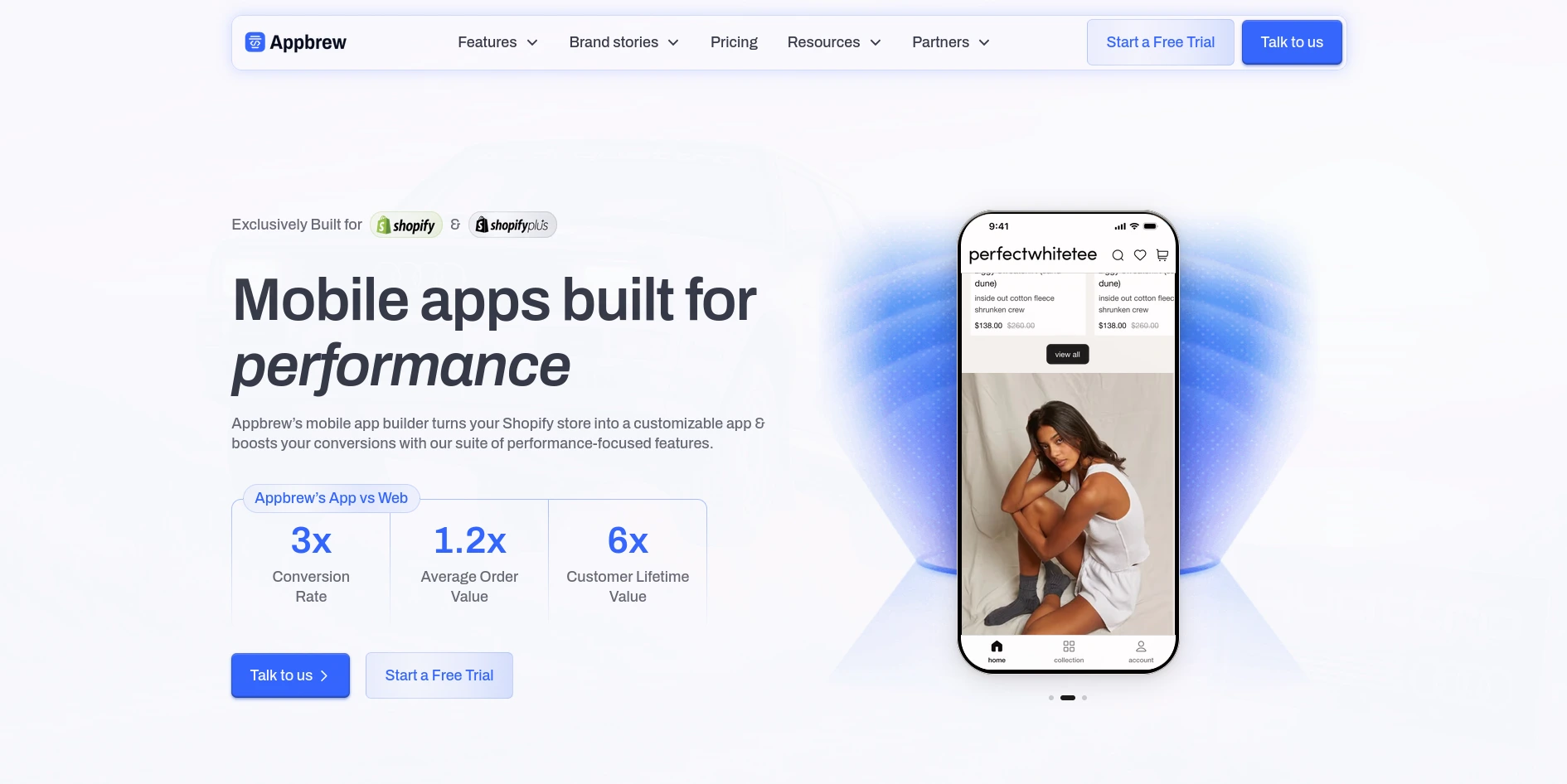
AppBrew is a mobile app builder specifically designed for Shopify stores. It helps ecommerce businesses create branded mobile shopping applications while connecting with their existing Shopify store. The platform focuses on ecommerce features, including customer engagement and loyalty functionality, rather than general-purpose app development. This specialised approach makes AppBrew useful for Shopify merchants who want to extend their online store into a mobile app without building one from scratch. However, businesses using WordPress, WooCommerce, or custom platforms would need a different solution.
Pros
Cons
Best for: Shopify DTC brands that want an app with built-in loyalty and conversion tooling, not WordPress or WooCommerce site owners.
5. Adalo — Best No-Code App Builder for Building From Scratch
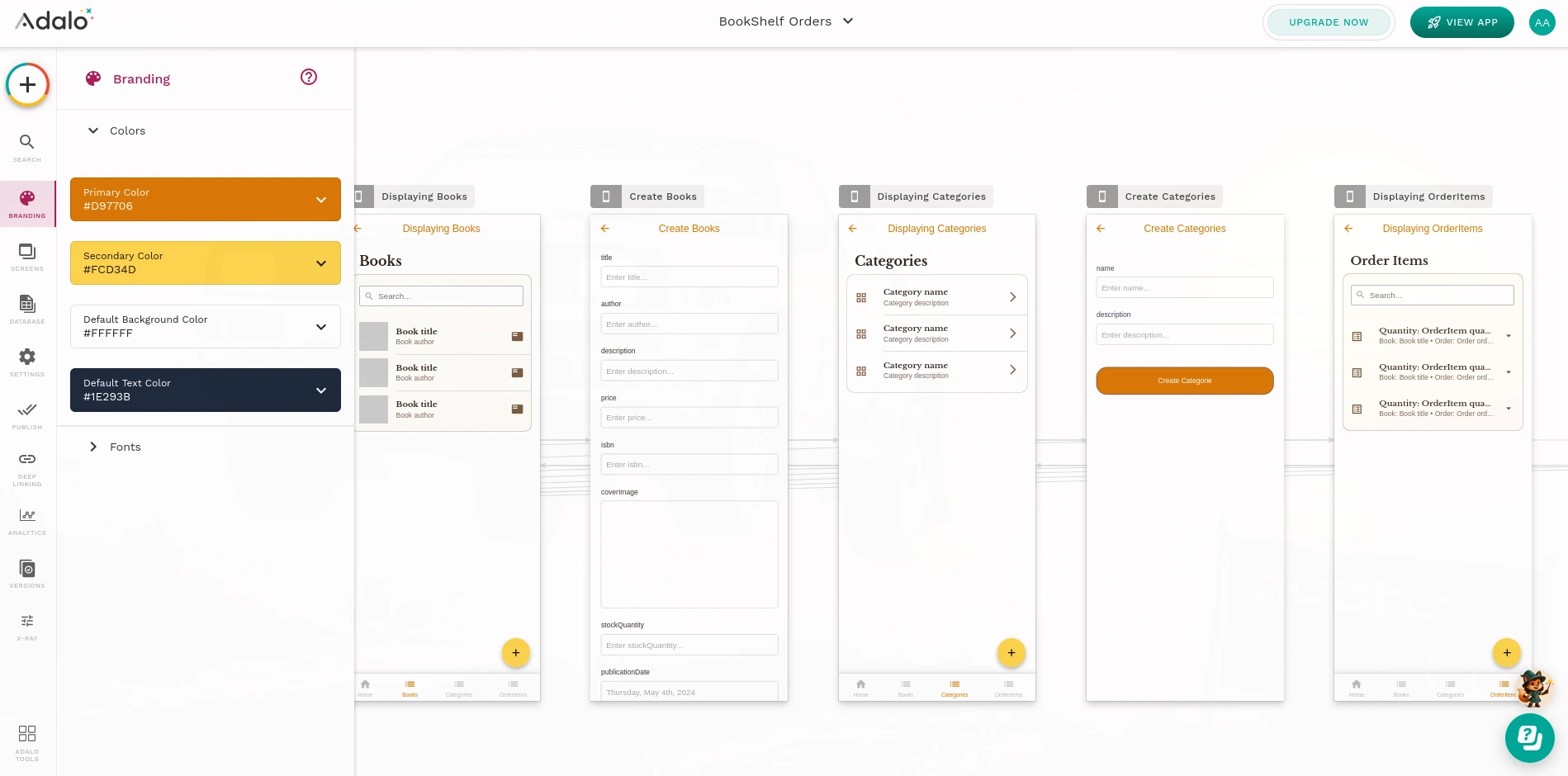
Adalo is a no-code platform for building mobile and web applications from scratch. Users can visually design interfaces, create databases, configure workflows, and build application functionality without traditional programming. Unlike website-to-app converters, Adalo does not require an existing website or e-commerce platform. It is particularly useful for startups, entrepreneurs, and teams that want to prototype or launch an application without hiring a large development team. Adalo is best suited for projects where the mobile or web application itself is the primary product.
Pros
Cons
Best for: founders, freelancers, and agencies starting a new app with no existing website, who want white-label output.
6. Bubble — Best Web App Builder for Complex Logic
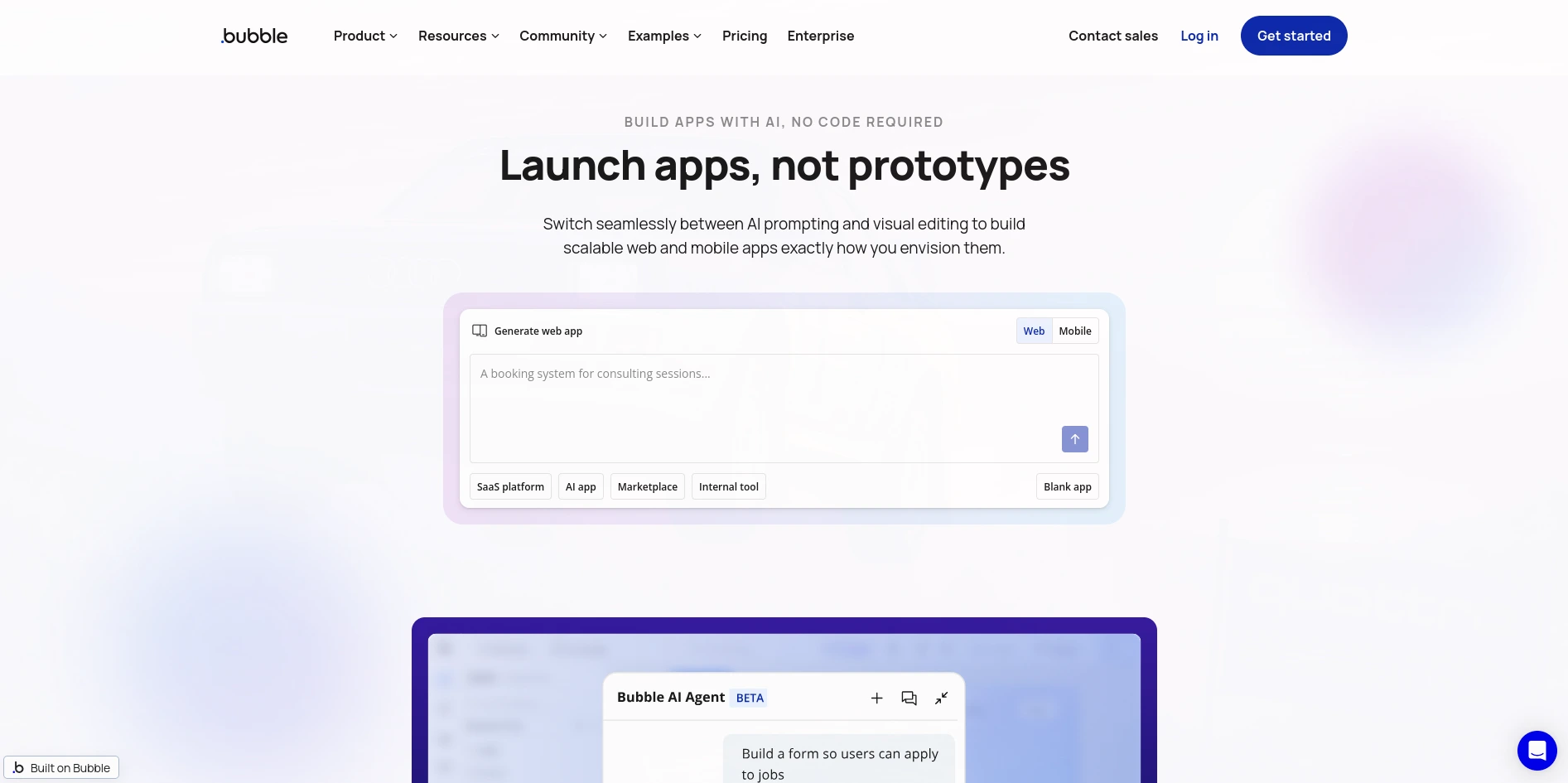
Bubble is a no-code platform designed for building custom web applications with complex workflows, databases, and business logic. It is widely used for SaaS products, marketplaces, internal tools, and startup prototypes. Unlike mobile-focused app builders, Bubble primarily targets web applications rather than native mobile apps. Its visual development environment allows users to build both application logic and interfaces without traditional programming. Bubble is a strong choice for users who need a highly customizable application and are comfortable with a usage-based pricing model.
Pros
Cons
Best for: teams building a custom web application from scratch, not converting an existing content site into a mobile app.
7. Glide — Best for Turning a Spreadsheet Into an App Fast
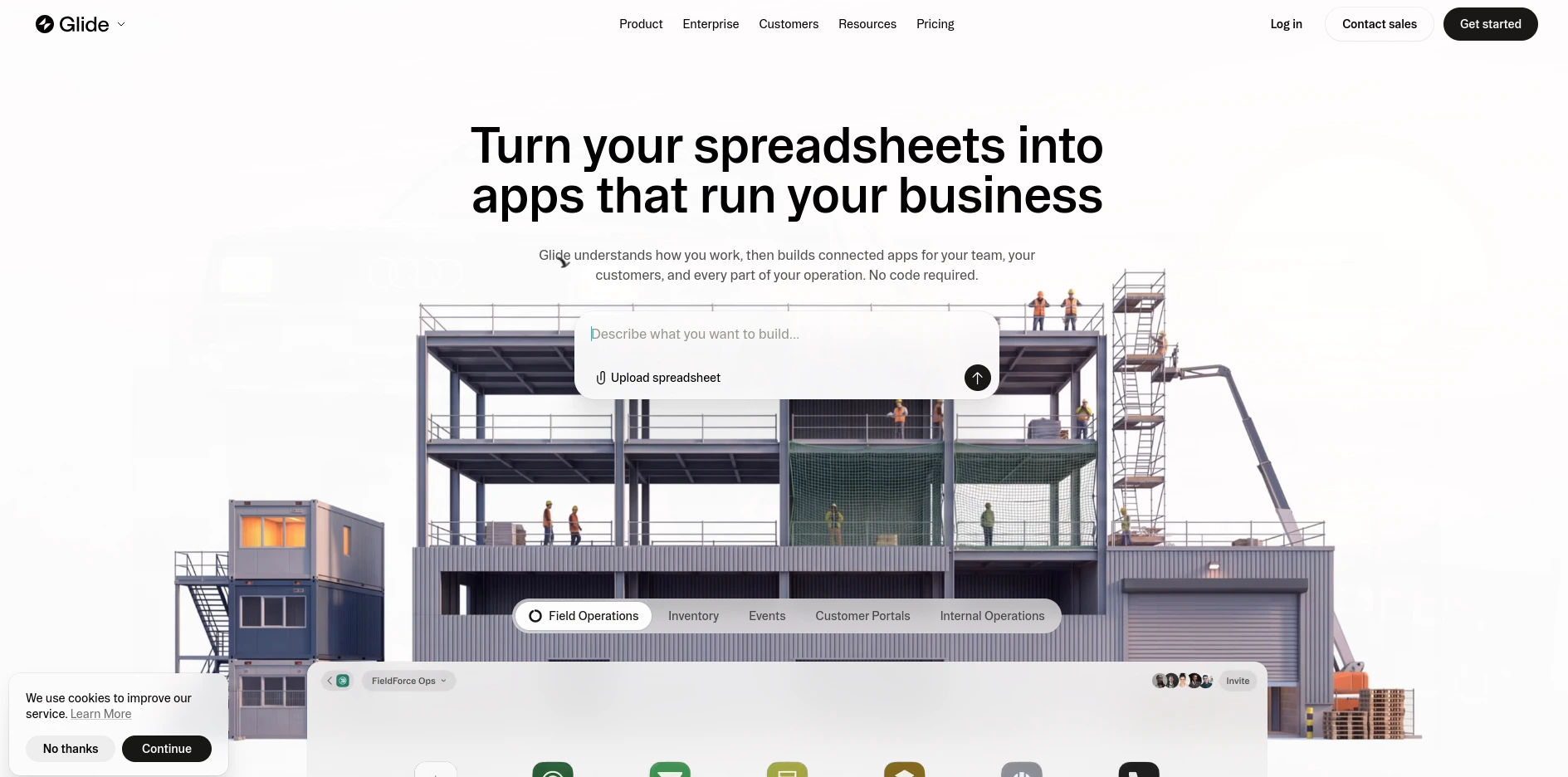
Glide is a no-code platform designed to quickly build simple, data-driven applications. It can transform spreadsheets and databases into functional apps without requiring traditional programming. Glide is commonly used for internal tools, dashboards, directories, inventory systems, and lightweight business applications. Its biggest advantage is speed and simplicity, making it suitable for teams that need a working application quickly. However, it offers less customisation than traditional development platforms. Glide is ideal for data-focused applications where rapid development is more important than advanced native functionality.
Pros
Cons
Best for: internal, data-driven apps — not a substitute for converting an existing public website.
8. Thunkable — Best Free App Builder to Test an Idea
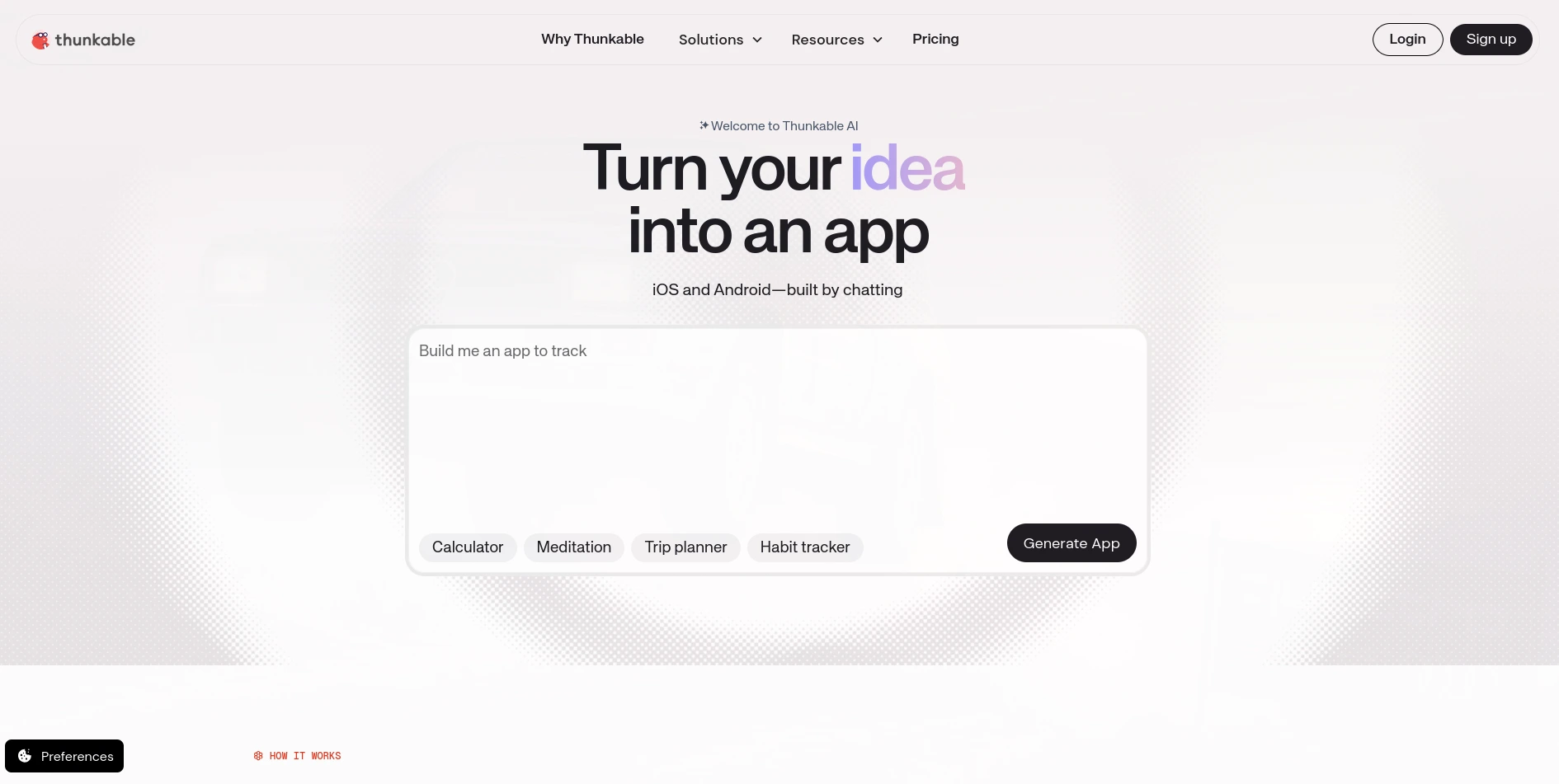
Thunkable is a no-code/low-code platform for creating mobile applications without traditional programming. Its visual interface allows users to design screens, build application logic, connect APIs, and test their apps during development. It is particularly suitable for beginners, students, entrepreneurs, and teams that want to prototype mobile applications quickly. Unlike website-to-app builders, Thunkable is primarily intended for creating new mobile apps rather than converting an existing website. Users can start with a free plan and upgrade when they need additional features or publishing capabilities.
Pros
Cons
Best for: someone who wants to answer “can I convert a website to an app for free” for themselves before committing budget to any tool on this list.
How to Choose the Best App Builder Software for Your Site
Before comparing feature lists, answer three questions that eliminate most of the tools above on their own:
From there, check the same things any serious buyer’s checklist covers: which of your actual content types and plugins map into the app, whether push notifications and deep links are separate line items, how authentication and account deletion are handled, and what the realistic first-year cost looks like once developer accounts and store submission are included.
How to Turn a Website Into an App
If you already run a WordPress or Shopify site, converting it doesn’t have to mean starting over — for the full WordPress-specific walkthrough, see how to convert a WordPress website into a native mobile app:
Step 1 — Confirm your platform and content types. List every post type, product type, and plugin your site actually depends on, then check which of them the builder maps into a real screen.
Step 2 — Pick the right architecture. A structured builder (ZenAppBuilder, AppBrew) renders app-specific native screens from your data. A wrapper (MobiLoud) carries your existing site’s design and friction into a native shell instead. Neither is universally “better” — they solve different problems; see the full breakdown in native app vs web app.
Step 3 — Build the one journey that matters most first. A working checkout, a finished course, or a resolved support ticket proves more than ten decorative screens ever will.
Step 4 — Test authentication and account flows on a real device. Login, logout, password recovery, and account deletion all need to work before submission.
Step 5 — Lock down ownership before you submit. Developer accounts, signing credentials, and store listings should sit under business control, not one person’s personal login.
Can You Convert a Website to an App for Free?
You can test the idea for free — every tool on this list except MobiLoud offers some kind of free tier or trial. What “free” doesn’t cover is a real public launch: developer accounts (Apple charges an annual fee; Google a one-time fee), device testing, push infrastructure, and ongoing maintenance are real costs no free plan removes. Before trusting a “free” claim, check whether the free tier lets you download an actual test build under your own brand, or only a watermarked preview.
What “White Label App Builder” Actually Means
A white label app builder removes the platform’s own branding from the finished app — that’s a cosmetic change, not the same thing as owning the app. Real ownership means confirming who holds the developer accounts, the package identifier, the signing keys, and the source project itself. A white-labeled app on a platform you’re renting can still stop building the day you cancel; an exported project you hold, like ZenAppBuilder’s Expo React Native output, doesn’t have that failure mode.
Final Verdict: The Best App Builder Software
There’s no single top app builder for every business — only the tool whose architecture matches the site you already have.
If you run a WordPress site — publishing, WooCommerce, Academy LMS, or ZenCommunity — ZenAppBuilder is the strongest starting point on this list: a real exported native project, WordPress-native content mapping, and no recurring platform fee stacked on top of your hosting. If you want a hosted DIY workflow instead, compare AppMySite. If your website needs to stay exactly as it is, compare MobiLoud. See the full ZenAppBuilder vs AppMySite and MobiLoud comparison for a side-by-side breakdown. If you’re on Shopify, look at AppBrew instead of any WordPress-focused tool. And if you’re starting with no website at all, Adalo, Bubble, Glide, and Thunkable each fit a different kind of from-scratch build.
Whichever you pick, prove your hardest user journey first — a working purchase, a finished lesson, a resolved support ticket — before you judge any app builder by its feature list.
Frequently Asked Questions
What is the best app builder software overall?
For a WordPress site, ZenAppBuilder is the strongest fit because it maps real WordPress, WooCommerce, and Academy LMS content into a native app you export and own, without a recurring platform fee. For other platforms — Shopify, or no existing site at all — the right answer changes; see the comparison table above.
What is a web app builder, and is it the same as a mobile app builder?
A web app builder like Bubble produces an application that runs primarily in a browser, sometimes packaged for app-store distribution — that’s a different deliverable from a native mobile app built with a tool like ZenAppBuilder or Adalo. Confirm which one you’re actually buying before comparing price.
Is a white label app builder the same as owning the app?
No. White labelling means the platform’s own branding is removed from the finished app. Ownership additionally requires the source project, developer accounts, package identifiers, and signing keys to sit under your control — not the vendor’s.
How do I turn a website into an app?
Confirm your platform (WordPress, Shopify, or other), pick a tool built for that platform, map your real content types before you design a single screen, and prove your most important user journey — checkout, enrollment, or support — end to end before you submit to the app stores.
Can I convert a website to an app for free?
You can prototype for free on most of the tools above. A real public launch still requires developer accounts, device testing, and ongoing maintenance that no free tier eliminates — treat a free plan as proof of concept, not a finished launch path.
How much does app builder software cost?
It varies by model: hosted DIY platforms like AppMySite run roughly $69–$999/month, managed services like MobiLoud run $399–$1,499+/month, Shopify-specific builders like AppBrew run $199–$599/month, from-scratch builders like Adalo, Glide, and Thunkable range from free to a few hundred dollars a month, and self-hosted WordPress plugins like ZenAppBuilder avoid a recurring SaaS platform fee but still carry developer-account and build costs. See the full cost breakdown for a route-by-route budget.