

If you use Academy LMS, ZenAppBuilder provides a deep, native integration that transforms your online school into a mobile learning platform.
- Enabling Academy Features
When the Academy LMS plugin is detected, special blocks and settings become available in the Customizer and Connections tabs.
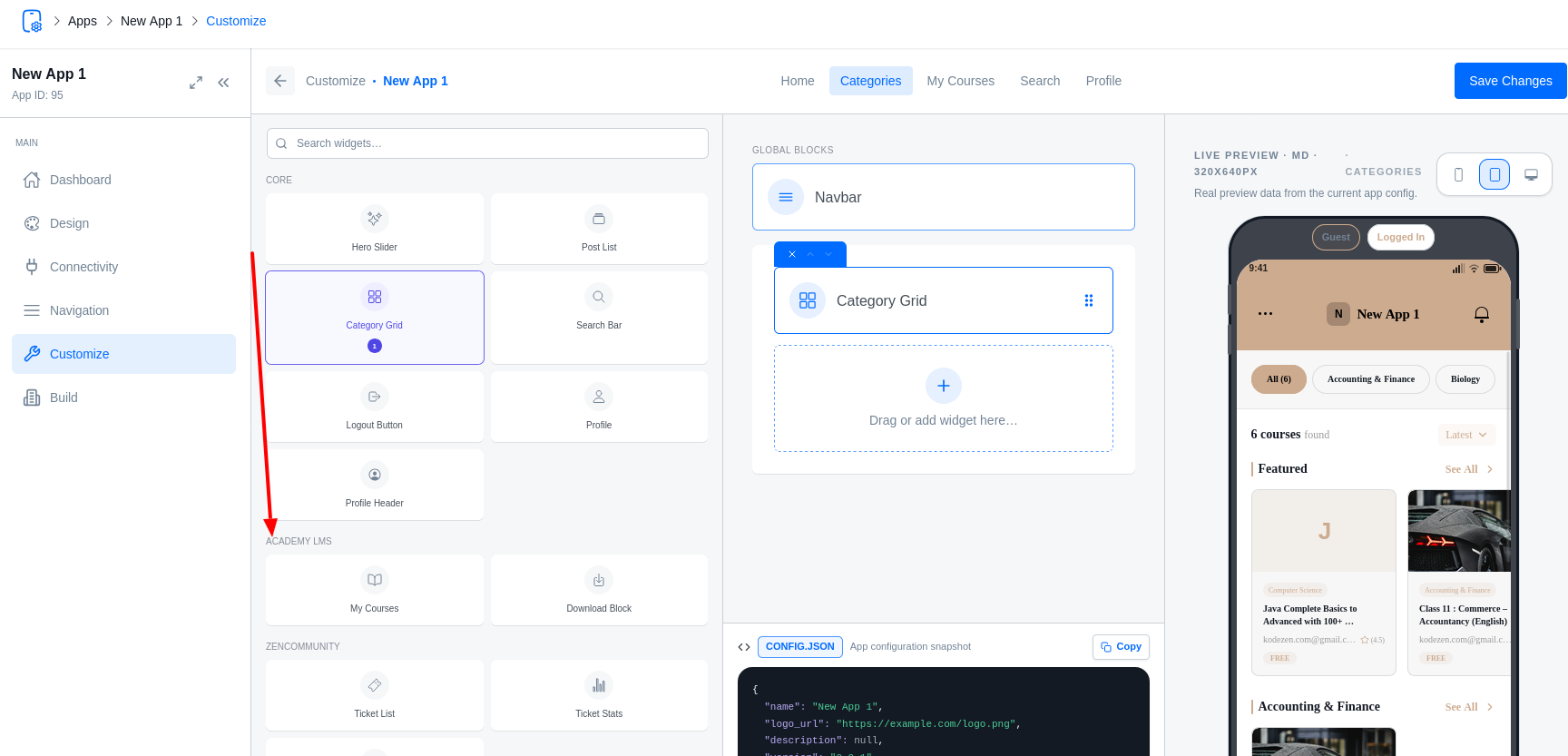
- Learning Blocks
- My Courses: Displays a list of courses the user is enrolled in.
- Academy Catalog: A full course marketplace with category filters and search.
- Category Academy: A grid layout specifically styled for course categories.
- Download Block: Gives users quick access to their lesson notes, assignments, and certificates.
The Mobile Learning Experience
ZenAppBuilder automatically generates high-performance “Fixed Screens” for the learning flow:
- Course Home: Shows the course curriculum, progress bar, and instructor info.
- Lesson Player: Supports video (YouTube/Vimeo) and HTML content.
- Quiz Screen: A native quiz interface with support for multiple-choice, fill-in-the-blanks, and image questions. Features include timers and passing grades.
- Note Screen: Users can take and save notes directly within a lesson.
- Assignment Screen: View requirements and upload submissions from a mobile device.
- Certificates
Users can view and download their earned certificates directly within the app.
- Certificate List: A dedicated screen showing all completed courses.
- PDF Viewer: Certificates open in a native viewer with a “Share” button for social media or printing.
Enrollment Guard
ZenAppBuilder includes a security filter that prevents users from accessing paid course content unless they have a valid enrollment. For paid courses, the app will automatically trigger the Course Checkout flow.