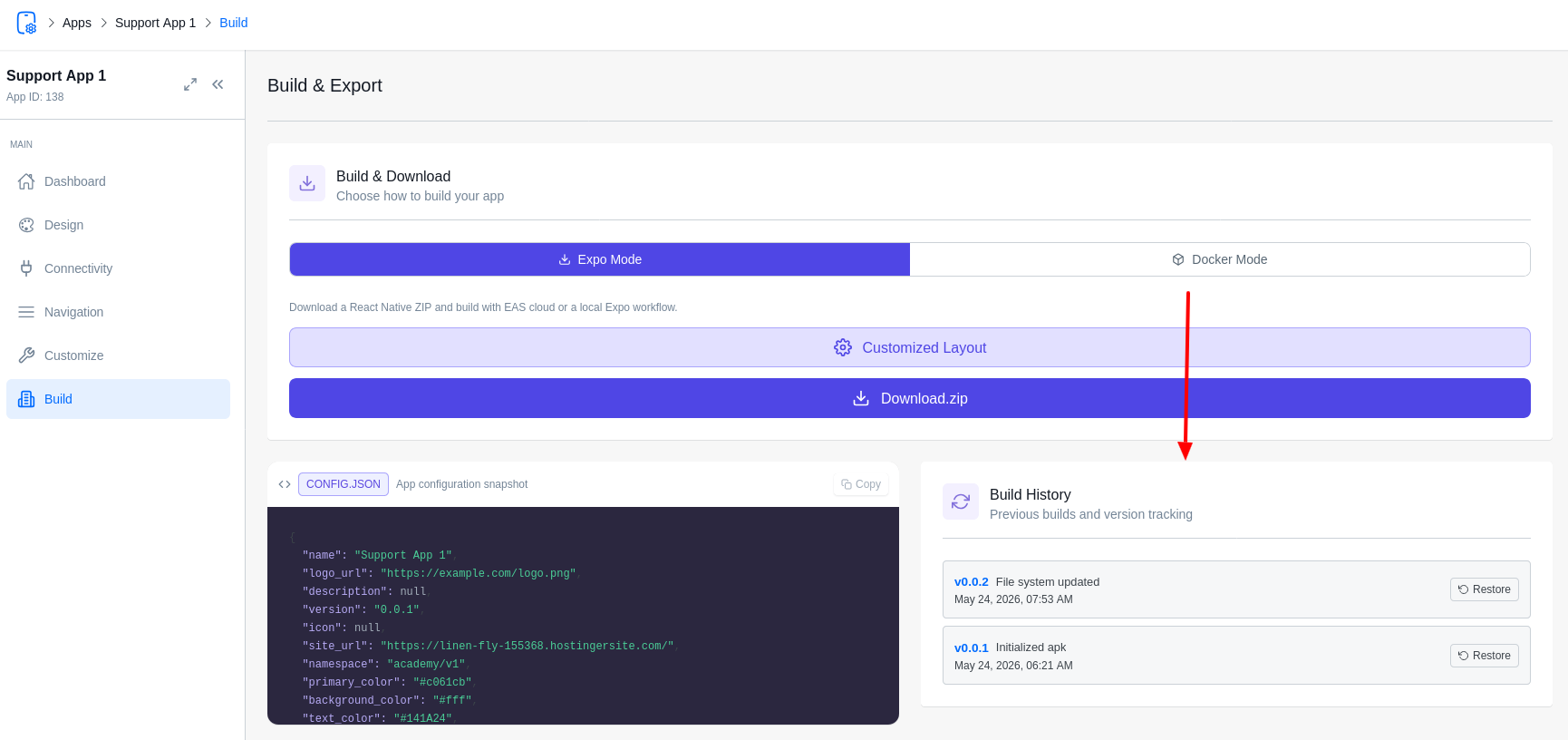
Never lose a good design again. ZenAppBuilder’s Version Control system allows you to snapshot your app configuration and restore it at any time.
Creating a Version Snapshot
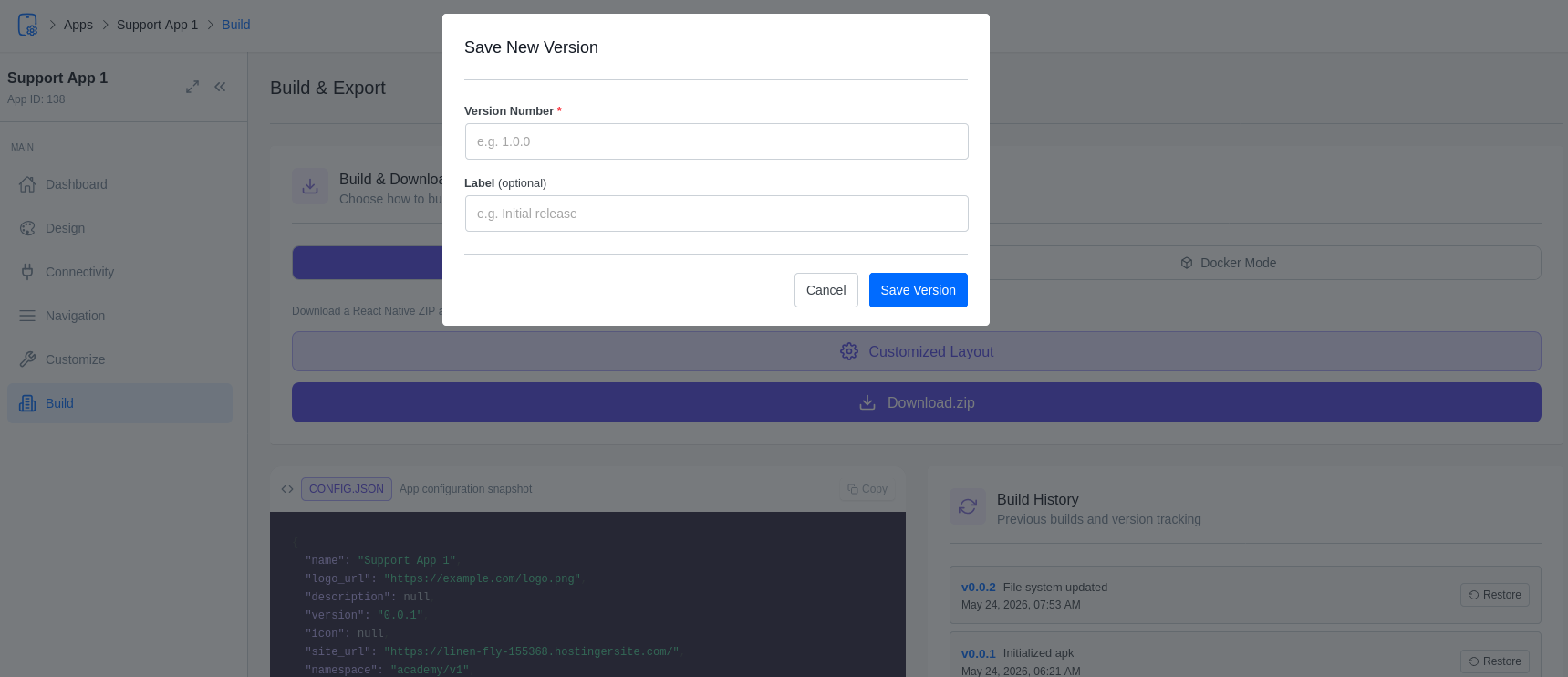
Every time you click Download in the Build tab, ZenAppBuilder checks if you’ve made changes since your last save.
- Version Bump Alert: If changes are detected, a popup will ask if you want to save a new version.
- Version Details: Enter a version number (e.g., 1.2.0) and a descriptive title (e.g., “New Home Layout with Hero Slider”).
- Snapshot: The system saves the exact state of your screens, blocks, colors, and settings.
Version History Panel
In the Build tab, you will find the Version History sidebar. This lists your last 20 snapshots.
- Browse: View the title, version, and date of every snapshot.
- Restore: Click the “Restore” button to instantly roll back your app to that specific configuration. Warning: Restoring will overwrite your current draft.
Why Use Version Control?
- Testing: Experiment with a bold new theme and revert instantly if it doesn’t work.
- Safety: Ensure you have a “stable” version before making complex navigation changes.
- Auditing: Keep track of how your app’s design has evolved over time.