ZenAppBuilder integrates with ZenCommunity Pro to bring community support and real-time engagement to your mobile app.
- Connectivity Setup
Before using community features, go to the Connections tab:
- REST Namespace: Ensure this matches your ZenCommunity API (default: zencommunity/v1).
- WebSocket URL: Enter your Ratchet server URL (e.g., wss://yoursite.com/ws).
- Live Chat Product ID: Select the specific department or product this app should link to.
- Support Tickets
Empower your users to manage their support tickets from their pockets.
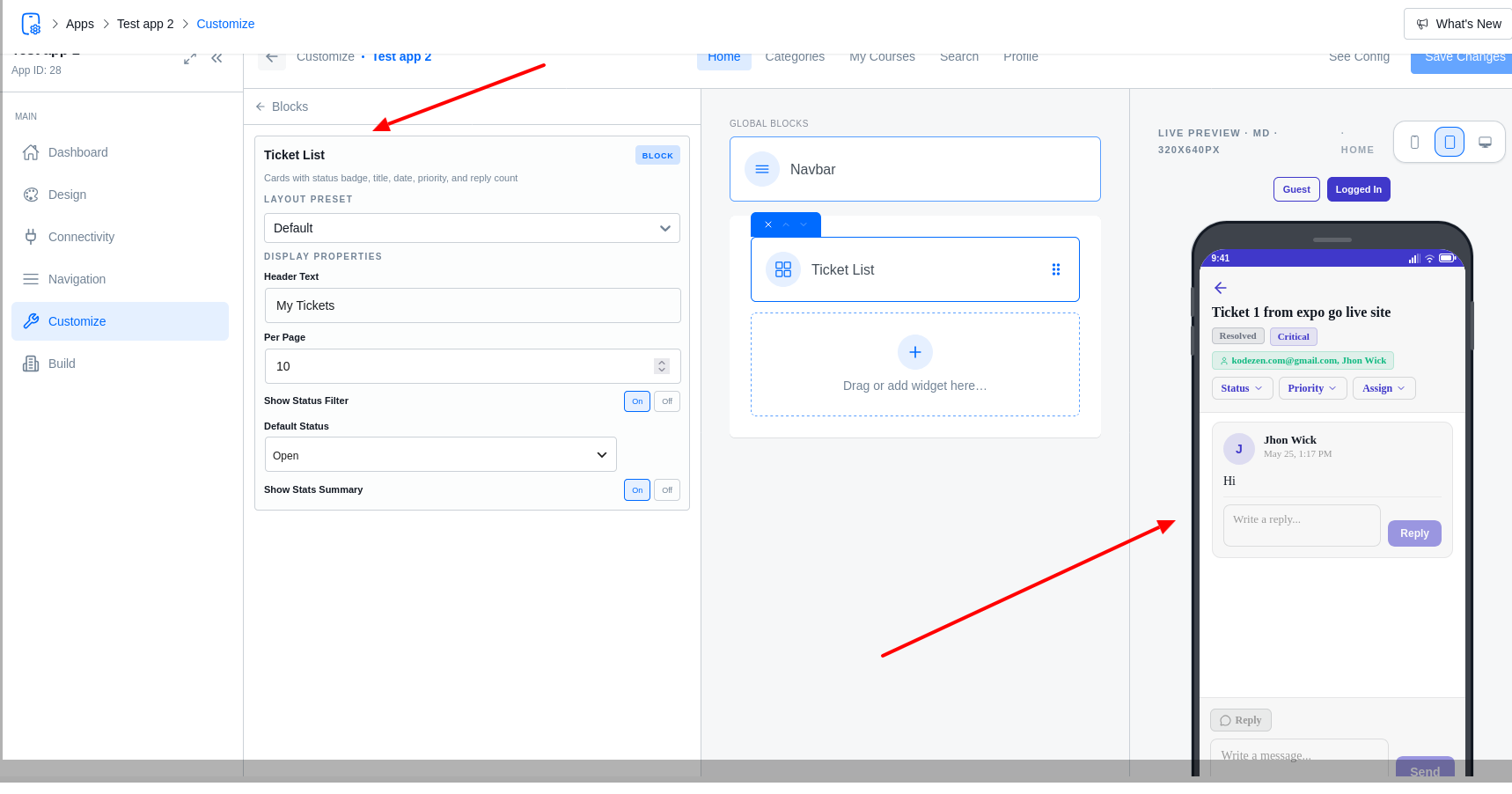
- Ticket List Block: Add this to any screen to show a user’s ticket history. It includes status badges (Open, Pending, Resolved) and priority levels.
- Create Ticket: A native form for submitting new requests.
- Ticket Detail: A full message thread where users can reply and agents can manage the ticket lifecycle.
- Real-Time Live Chat
If enabled, your app supports instantaneous live chat between visitors and agents.
- WebSocket Engine: Messages appear instantly without refreshing.
- Polling Fallback: If a user has a weak connection, the app automatically switches to 15-second “polling” to ensure messages are still delivered.
- Read Receipts: WhatsApp-style checkmarks (✓ for sent, ✓✓ for seen).
Agent Tools (Admin Only)
Users with “Agent” or “Admin” roles get access to special mobile tools:
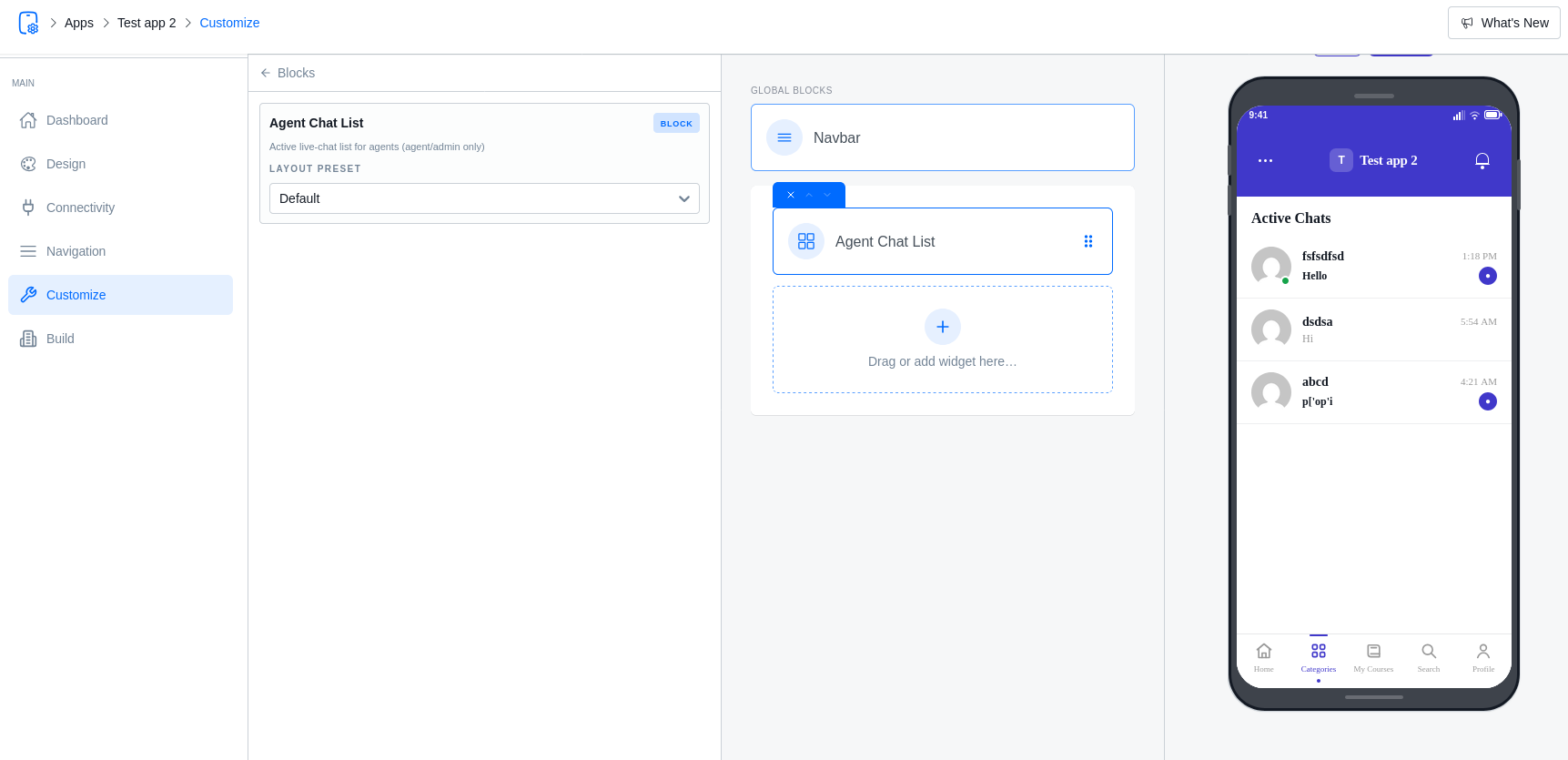
- Agent Chat List: A dashboard of all active visitor chats.
- Moderation: Agents can delete messages or resolve conversations directly from the app.
- Rich Messaging: Agents can insert links and format messages using native mobile tools.