

ZenAppBuilder provides data-driven insights to help you understand your app’s growth and user engagement.
Plugin Overview Dashboard
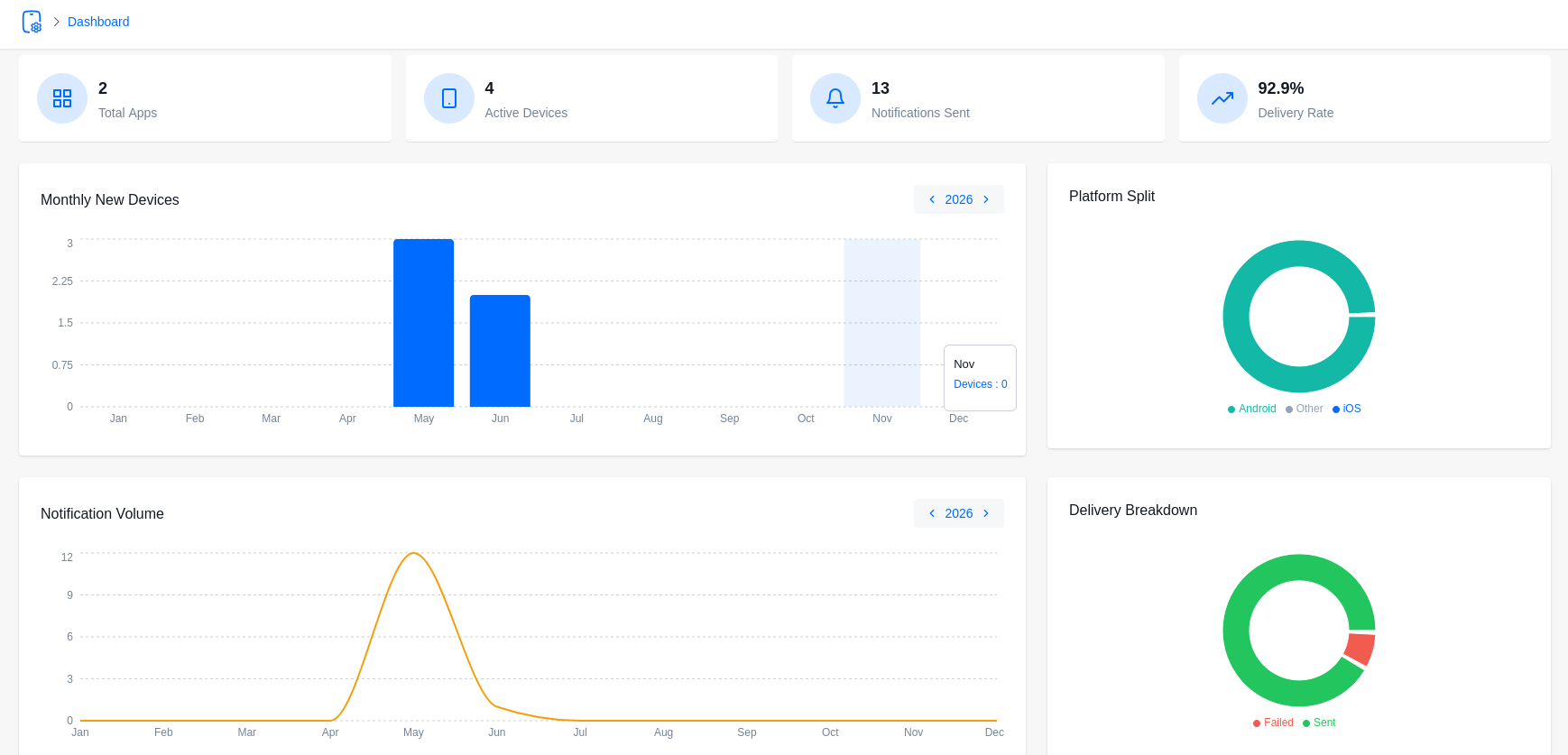
Accessible via the main ZenAppBuilder menu, this dashboard gives you a high-level view of your entire mobile ecosystem.
- Total Installs: The number of unique devices that have installed your apps.
- Platform Split: A pie chart showing the percentage of iOS vs. Android users.
- Monthly Growth: A bar chart tracking new installs over the last 12 months.
- Notification Stats: Total messages sent and their delivery success rate.
- Top Apps: See which of your app configurations are the most popular.
App-Specific Analytics
Inside the Manage App editor, the Dashboard tab provides localized stats for that specific app.
- Active Devices: How many devices currently have this specific app configuration.
- Engagement: Tracking how often users interact with your content.
- Support Stats: (If ZenCommunity Pro is active) View ticket volumes and live chat activity.
Understanding the Data
- Unique ID: ZenAppBuilder uses a stable device identifier to ensure “Installs” are accurate even if a user uninstalls and reinstalls the app.
- Push Status: Analytics also show the percentage of your users who have granted permission for push notifications.